Layers and history
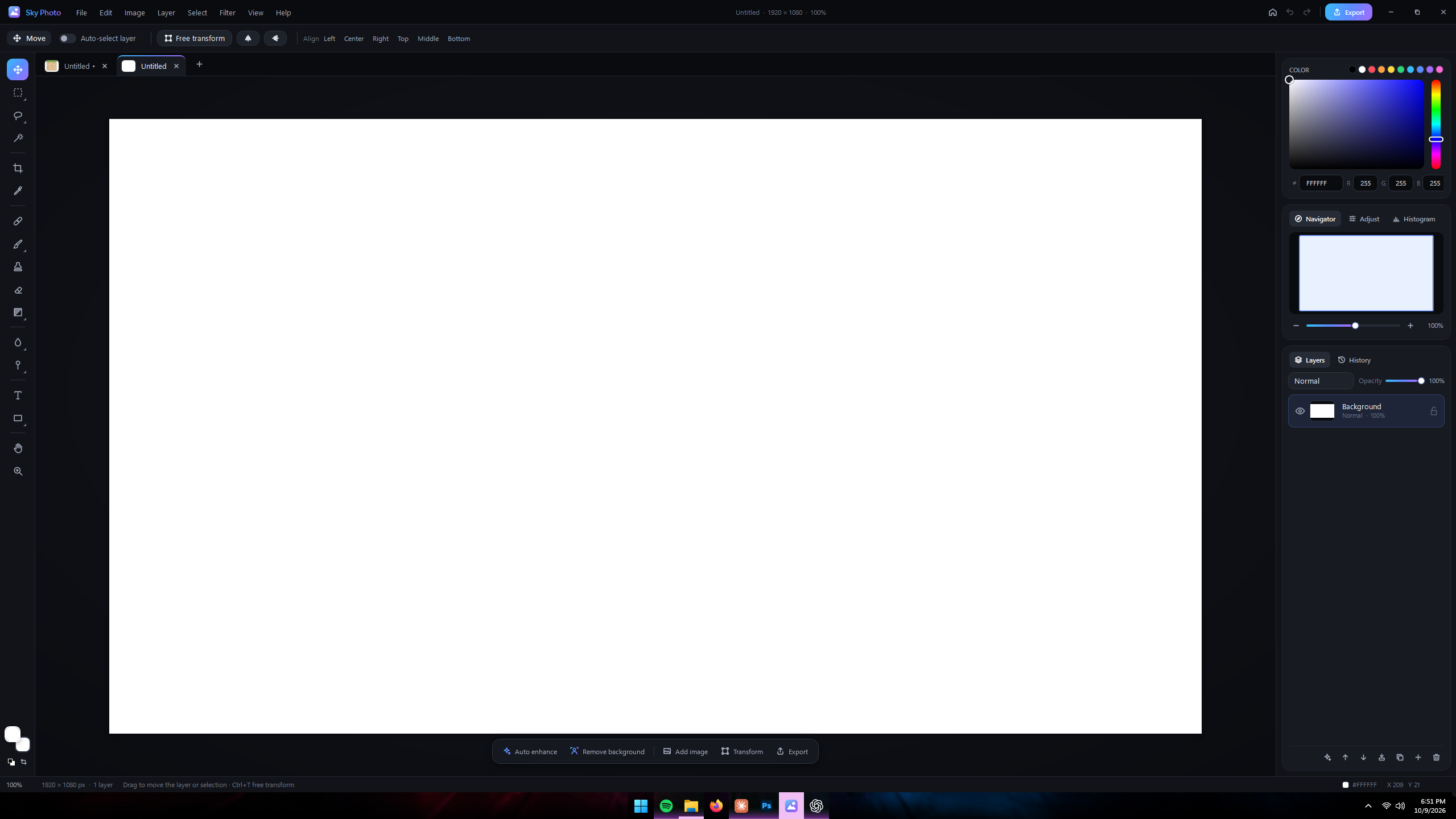
Organize edits non-destructively, control opacity and blend behavior, and move through your editing history.
 Sky Creator Pro
A Sky Creator Pro open-source project
A fast, focused photo editor for creators who want real editing tools without a complicated workflow. Open an image, build with layers, make precise adjustments, and export the finished work from one clean Windows app.
Windows setup EXE · V1.1.2 · Updated October 9, 2026 · No subscription required
Made to create quickly
Sky Master Photos combines AI-assisted tools with carefully designed editing controls. It is made with a mix of AI and human development, then shaped around one goal: helping people edit without fighting the software.
Organize edits non-destructively, control opacity and blend behavior, and move through your editing history.
Add drop shadows, outer and inner glow, bevel and emboss, and strokes. Adjust size, light angle, opacity, and accent color, with undo support. Save a .skyphoto project to keep styles editable.
Select, move, crop, resize, align, and transform artwork. New Smooth, Border, and Reselect tools help clean up selections and restore your previous selection.
Use the color picker, swatches, RGB controls, live adjustments, and histogram tools to refine the image.
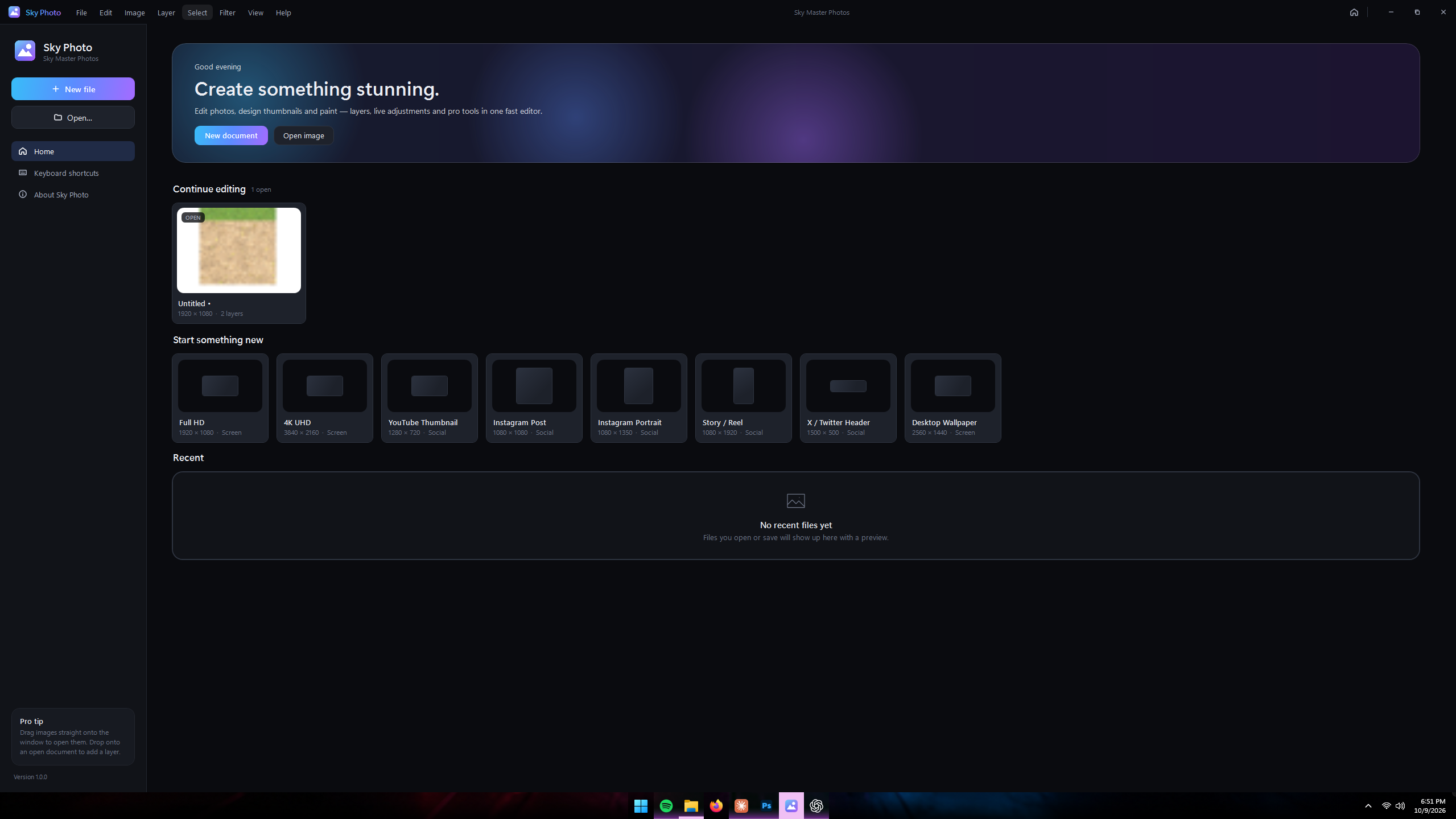
Start at the right size for thumbnails, social posts, vertical stories, headers, wallpapers, and full-resolution artwork.
Speed up common work with focused tools such as automatic enhancement and background removal.
Export finished images with layer effects included. PSD export keeps separate layers and bakes native styles into each styled layer; .skyphoto projects retain editable styles.
Real desktop software
These are screenshots from the actual Windows application.
Free Windows download
Sky Master Photos is free to download and use. The project is intended to be open source, with the public source repository coming soon.
No account required. No paid plan required.